Blue & Silver
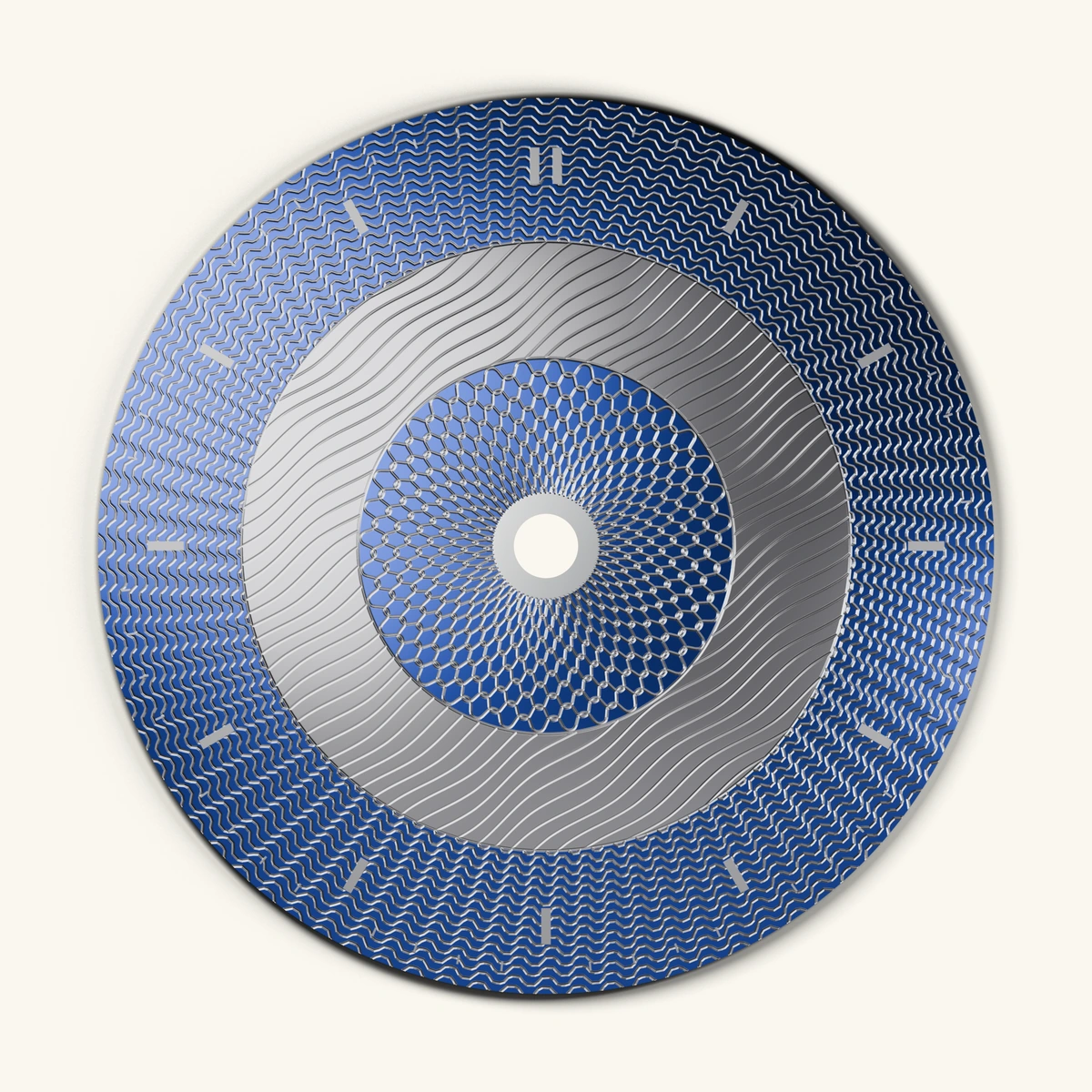
Three patterned bands, brought together through color and contrast. An illustrative digital material study.

Designs & discoveries
Look at a whole dial, then explore the details that make it yours.
Digital design studies; colors and surface effects are illustrative.
Three patterned bands, brought together through color and contrast. An illustrative digital material study.
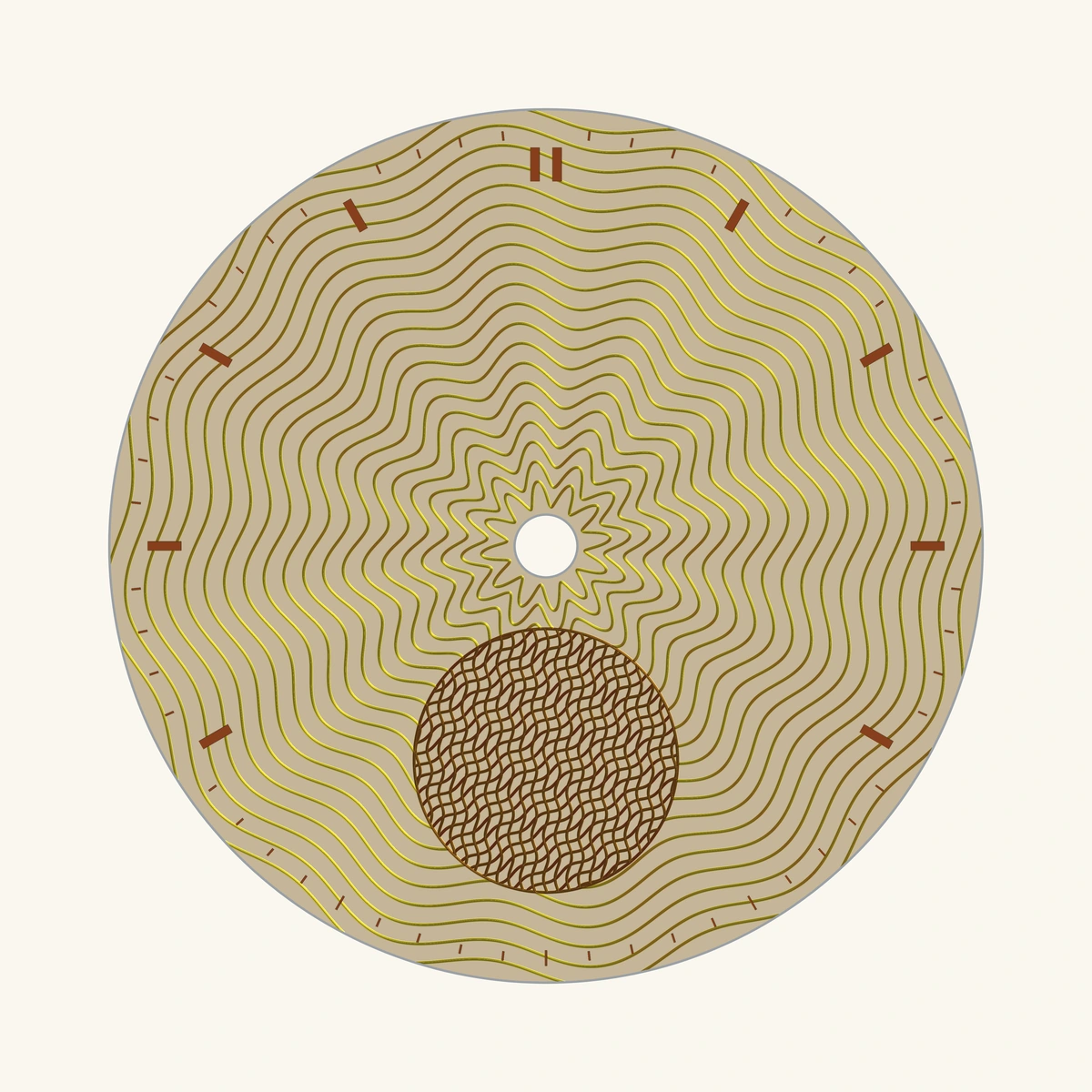
A warm field of flowing curves, with a copper-colored detail that draws the eye.
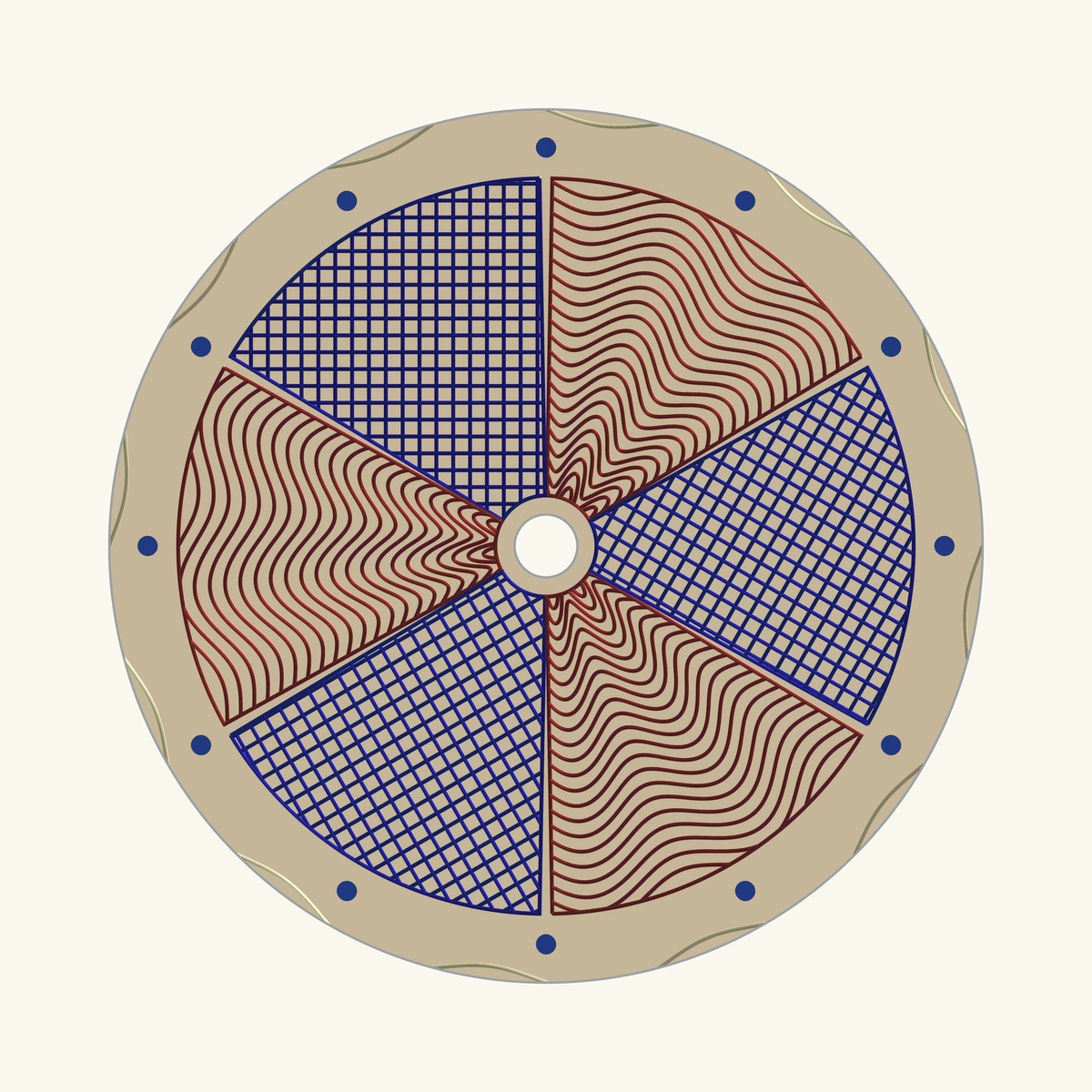
Flowing wine-red curves meet a crisp blue lattice, six sections at a time.
Warmth & rhythm
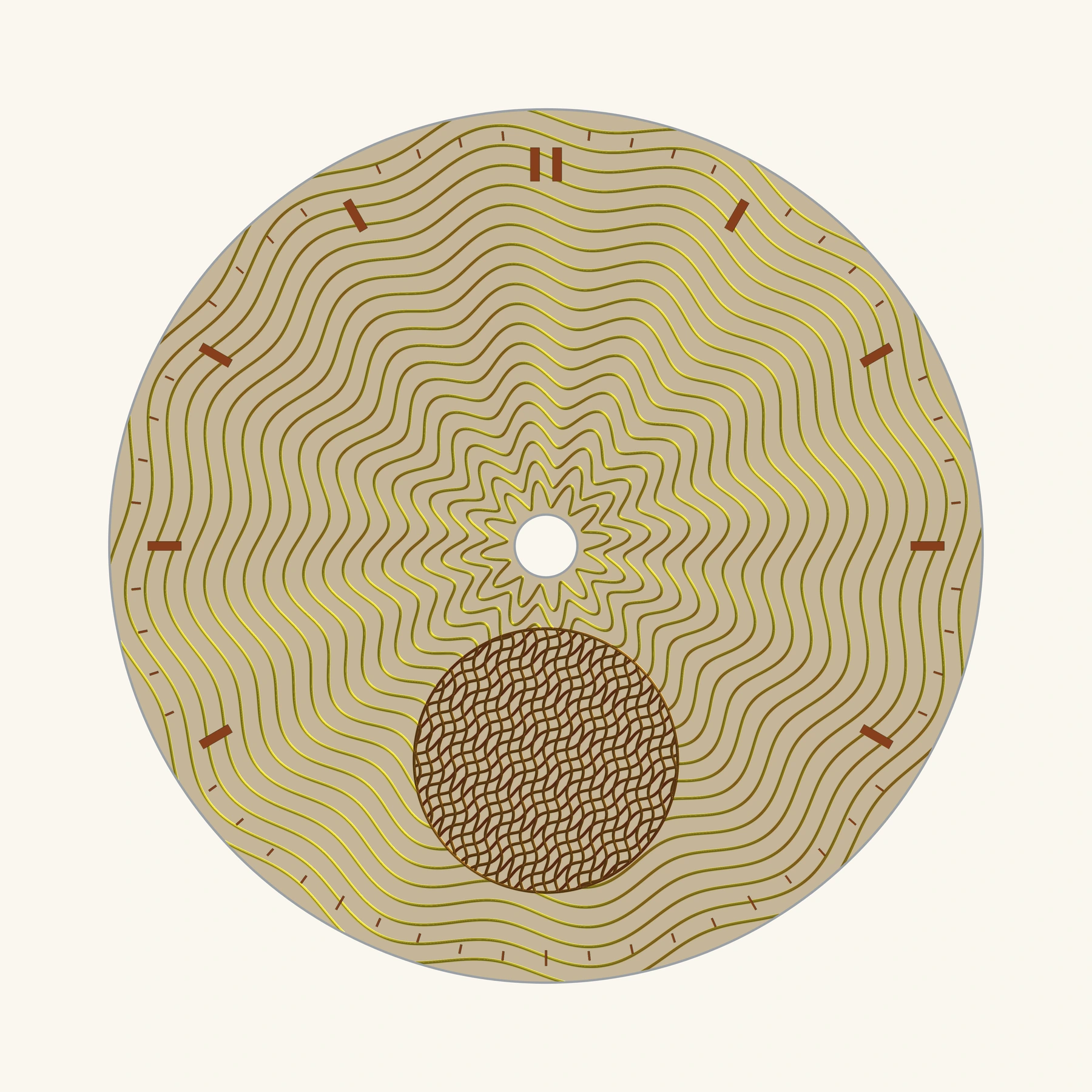
Broad twelve-lobe waves flow around the centre. At six, crossed copper-colored lines give a smaller circle a rhythm of its own. Open space between the baton markers lets the two patterns breathe.
The register is decorative; it does not indicate a working small-seconds display or movement compatibility.
Look closer ↗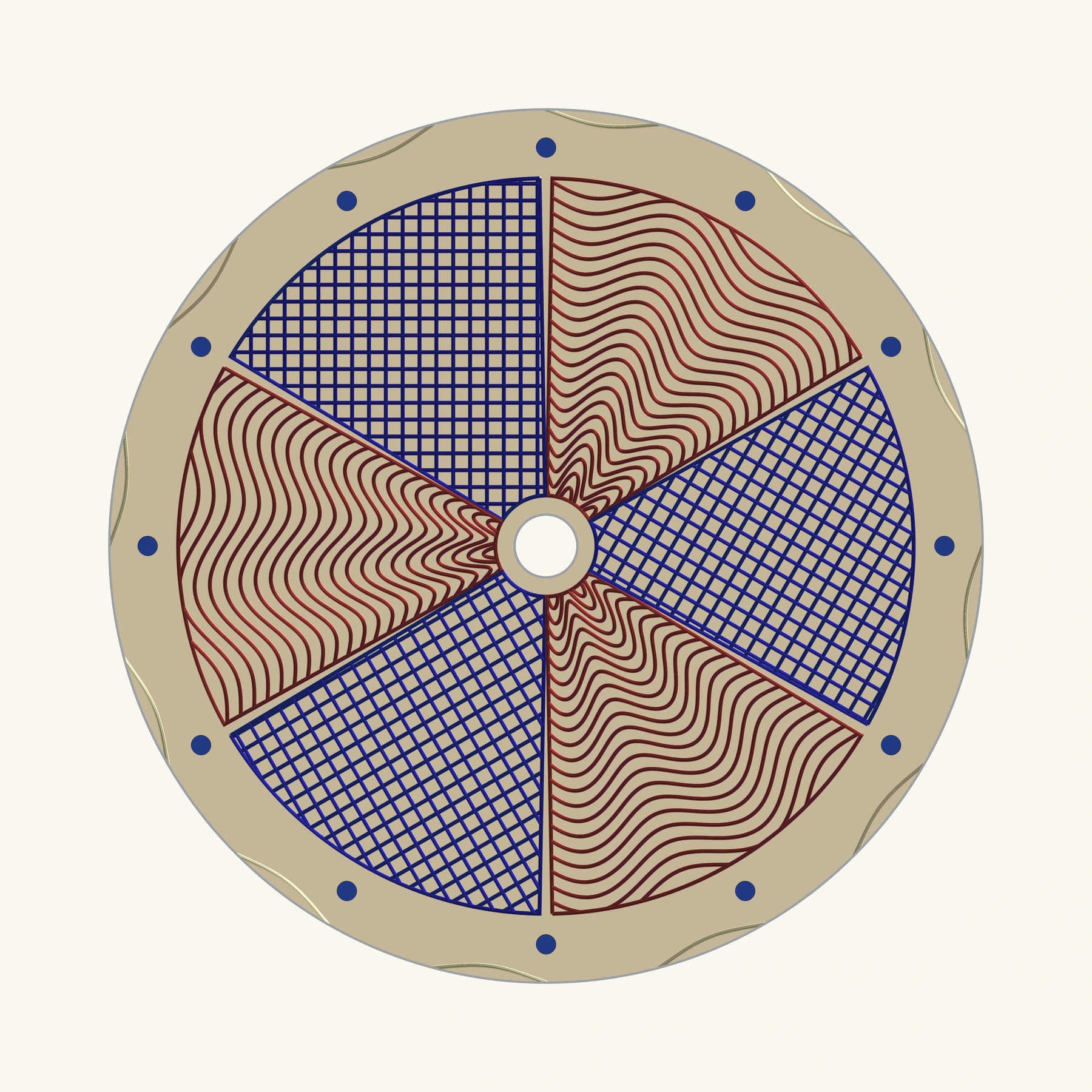
Six parts, one composition
Alternating sectors bring two patterns into conversation: flowing rose curves and straight crosshatching. A quiet champagne-colored chapter ring and blue dot markers frame the composition.
The colors belong to the pattern lines on a shared champagne-colored face.
Look closer ↗Inside the blue & silver-colored study
This design began with three patterned bands already in place. Its character developed through color, markers and the weight of its lines. The blue-and-silver artwork above is an approved offline digital material study; the workspace and saved stages below are genuine app captures.
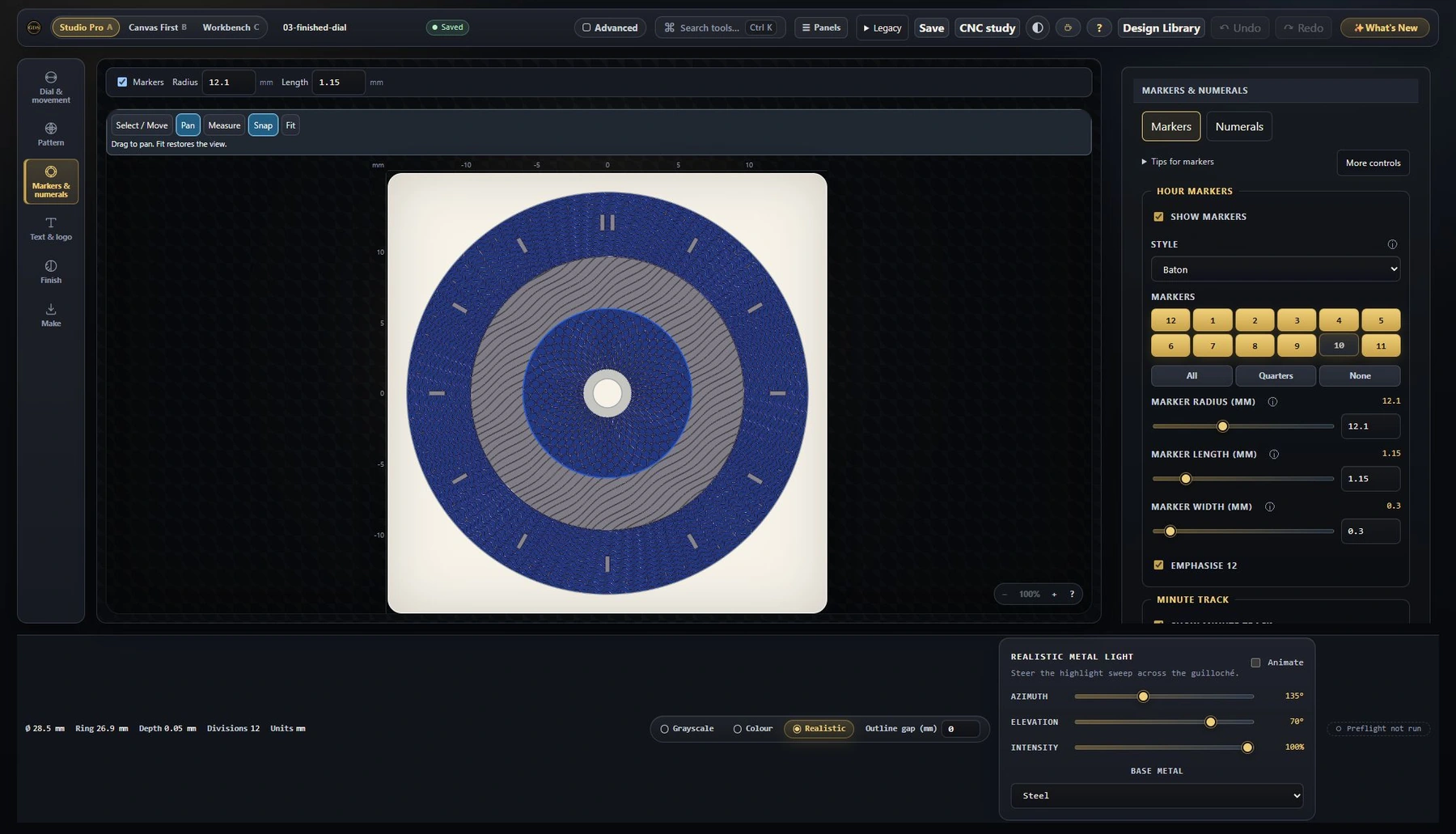
Earlier saved states
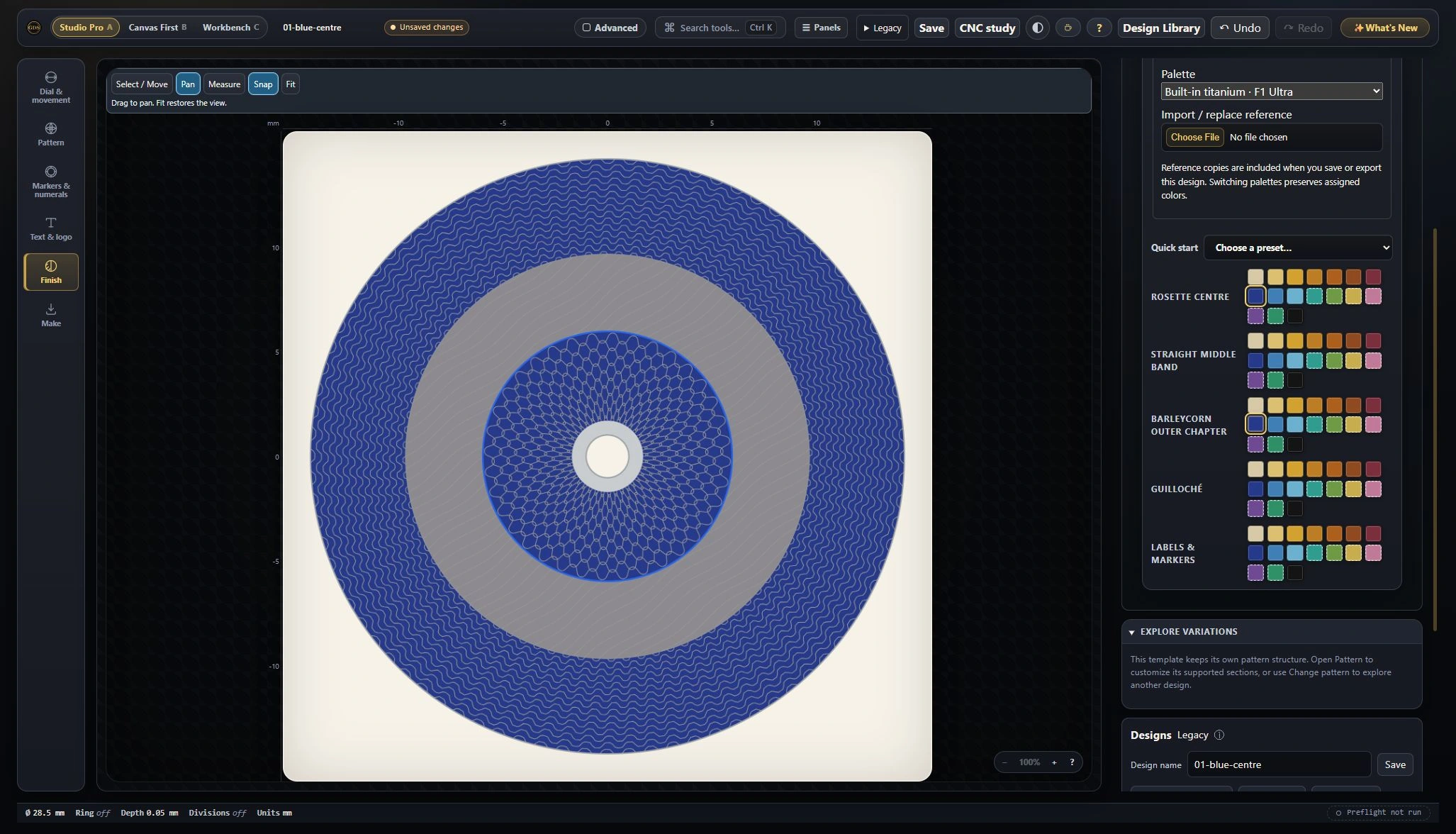
Start with the Layered template’s three existing bands. Give the rosette centre a royal-blue color and leave the surrounding bands neutral.
These are still comparisons of your choices, not an automatic design sequence.
01
Start with the Layered template’s three existing bands. Give the rosette centre a royal-blue color and leave the surrounding bands neutral.
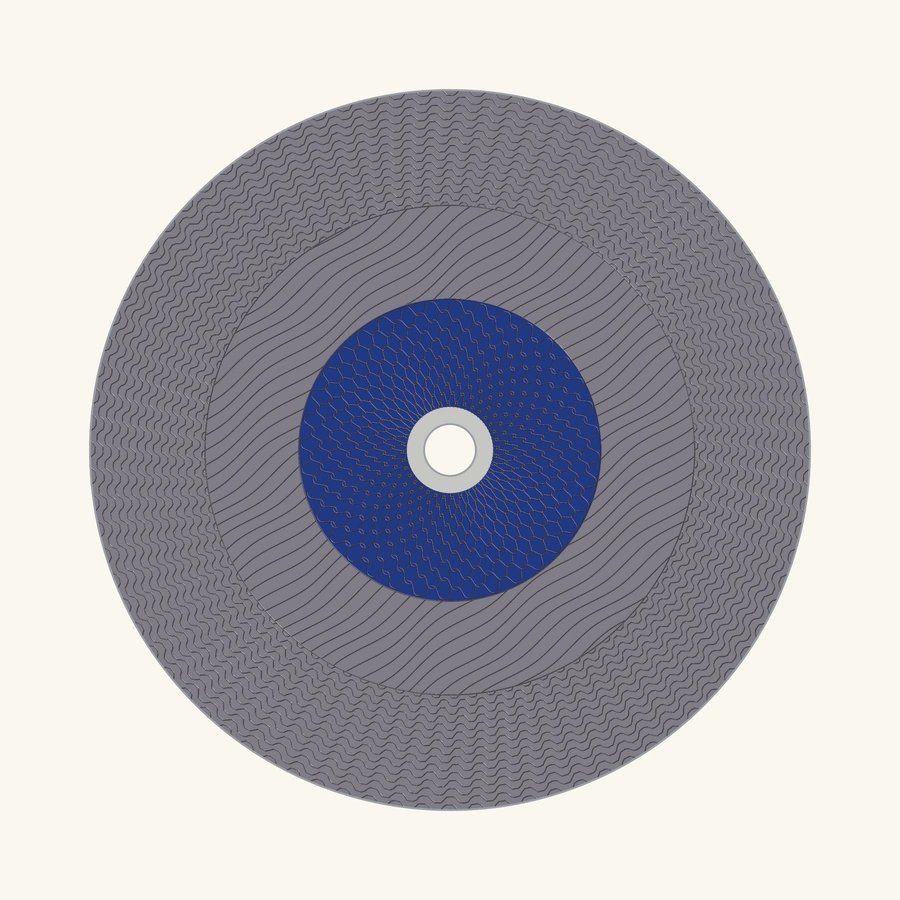
 02
02
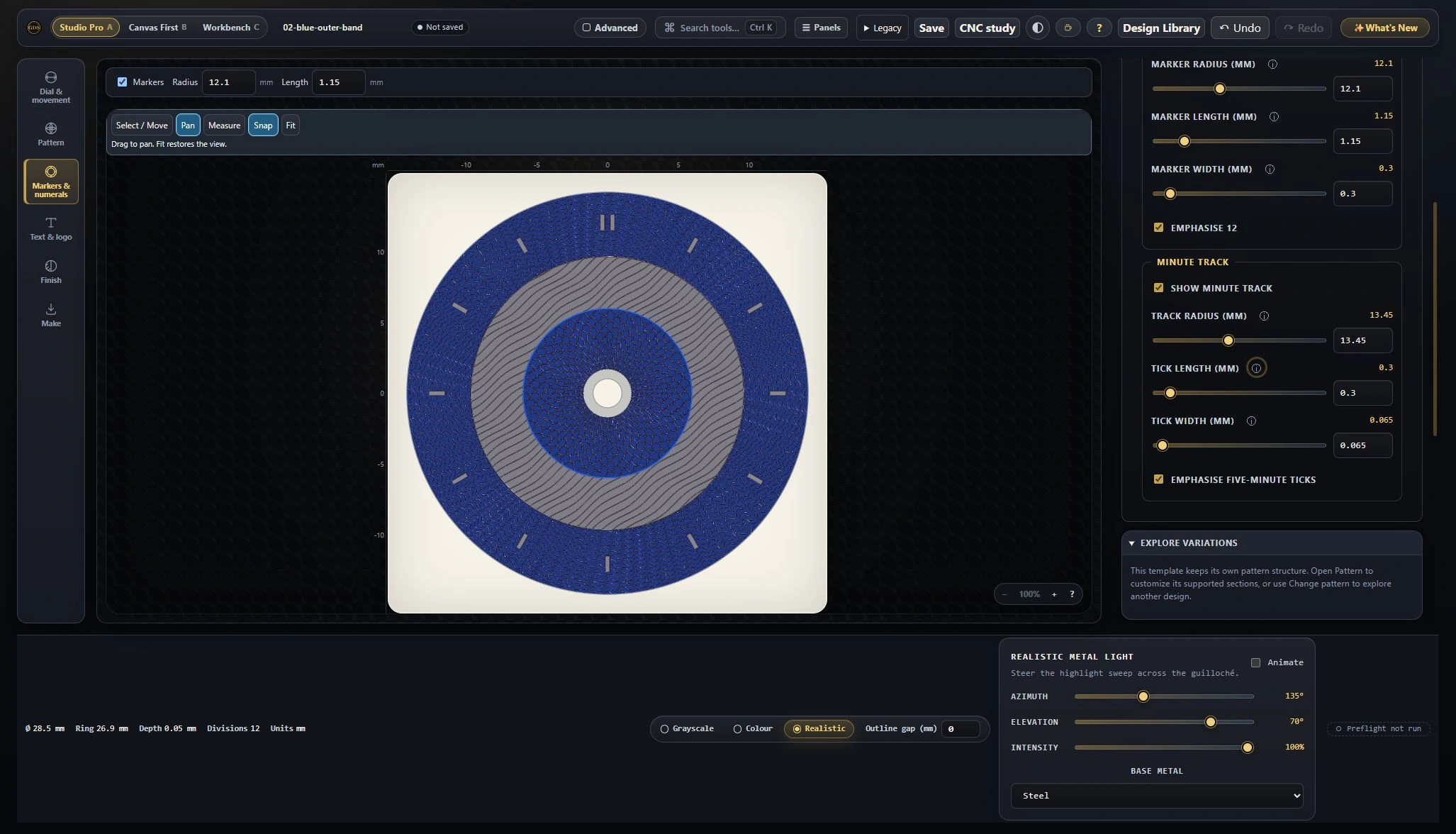
In Finish → Colour, change Barleycorn outer chapter to Royal blue. Keep the middle band silver-colored.
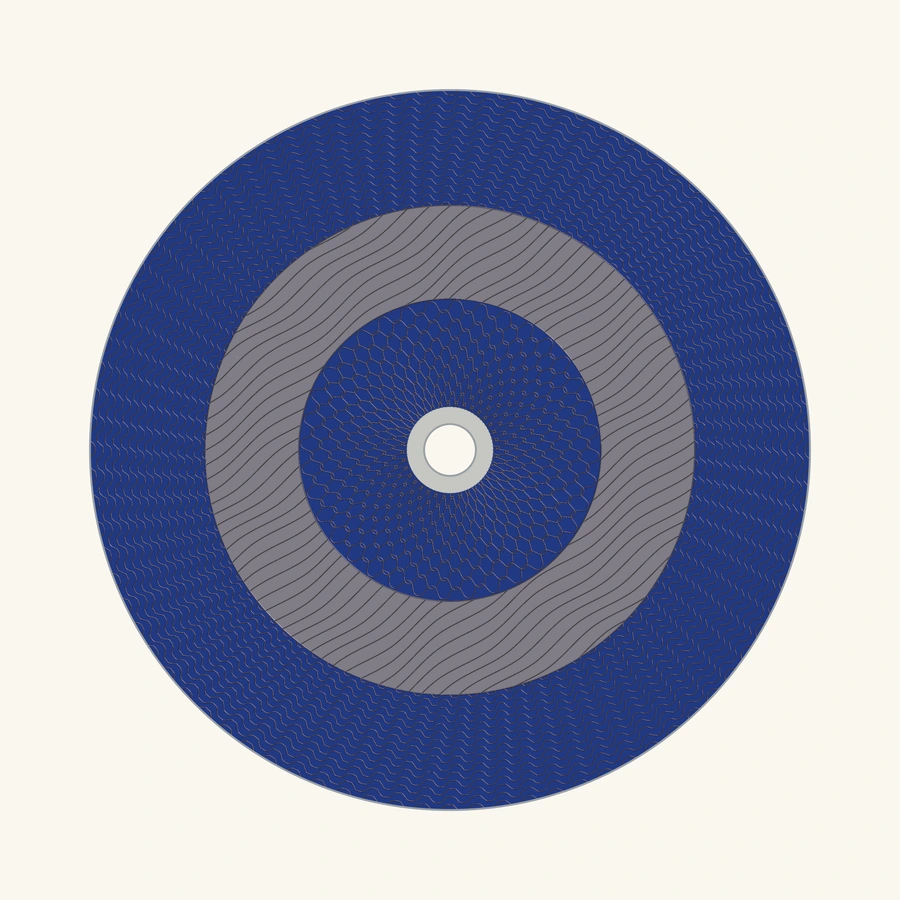
 03
03
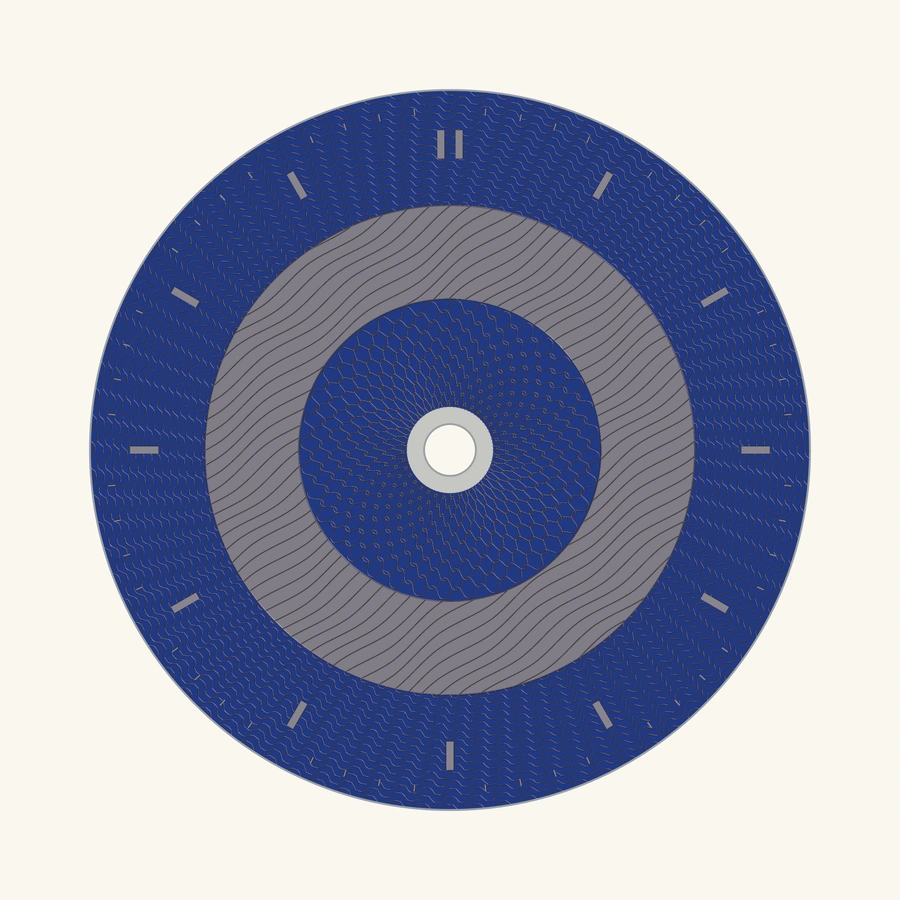
In Markers & numerals, enable baton markers and a minute track, then adjust their placement.
Earlier saved design states, shown as stills. These steps change existing bands; they do not add new ones.
The finishing decision
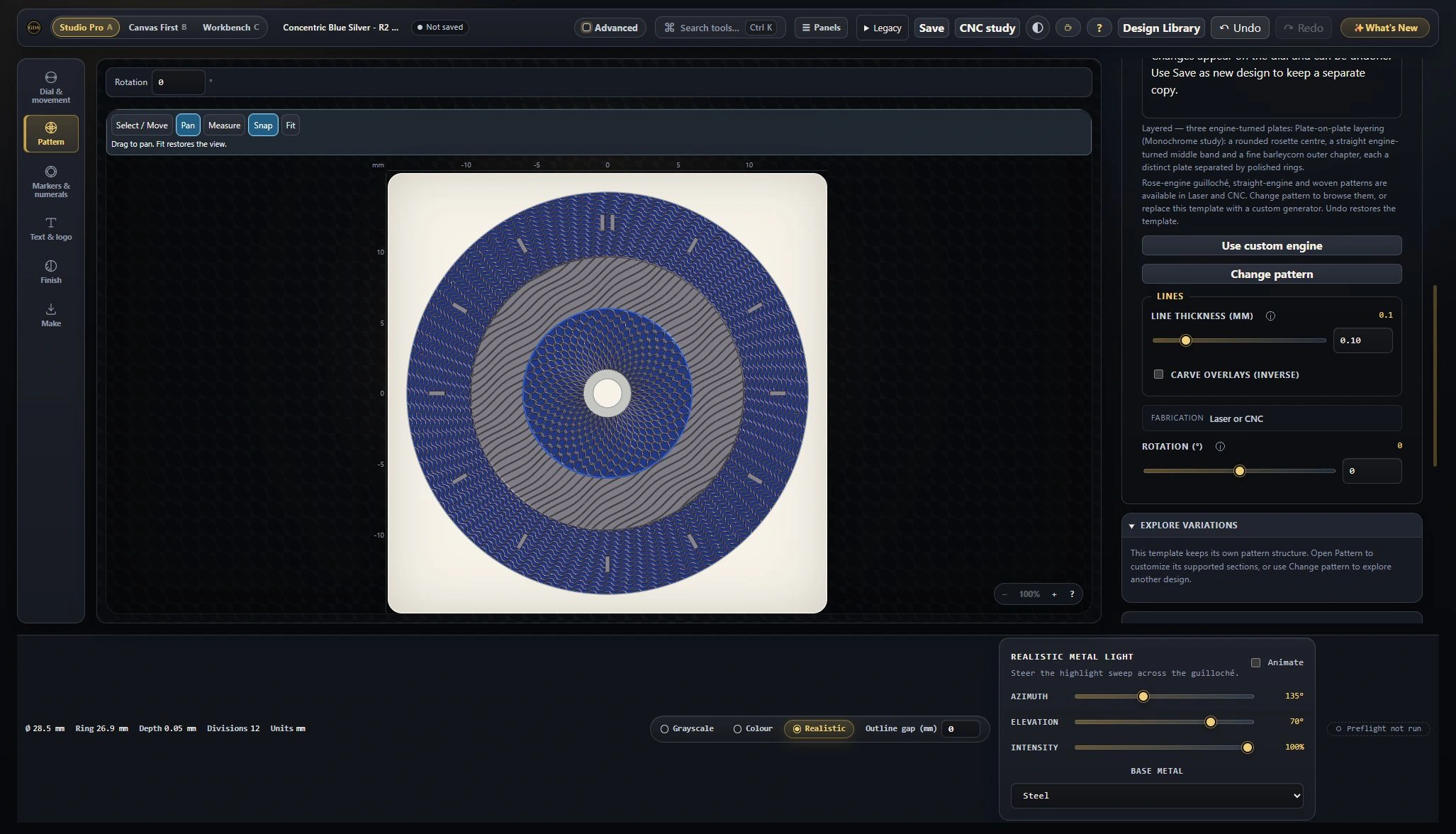
The first version felt too subtle at a glance. Increasing Pattern → Line thickness (mm) from 0.035 to 0.10 gave the texture more presence, while keeping the geometry and colors.
The artwork above and the detail here are an offline material study of that editable design. The solid marker shapes interrupt the pattern. Lighting, finish and groove depth are illustrative; this is not a photograph of a made dial or a preview generated inside the app.
Open each original-frame capture to read the controls.
Finish → Colour, during the color study ↗Markers & numerals, during the marker study ↗Pattern, during the final line refinement ↗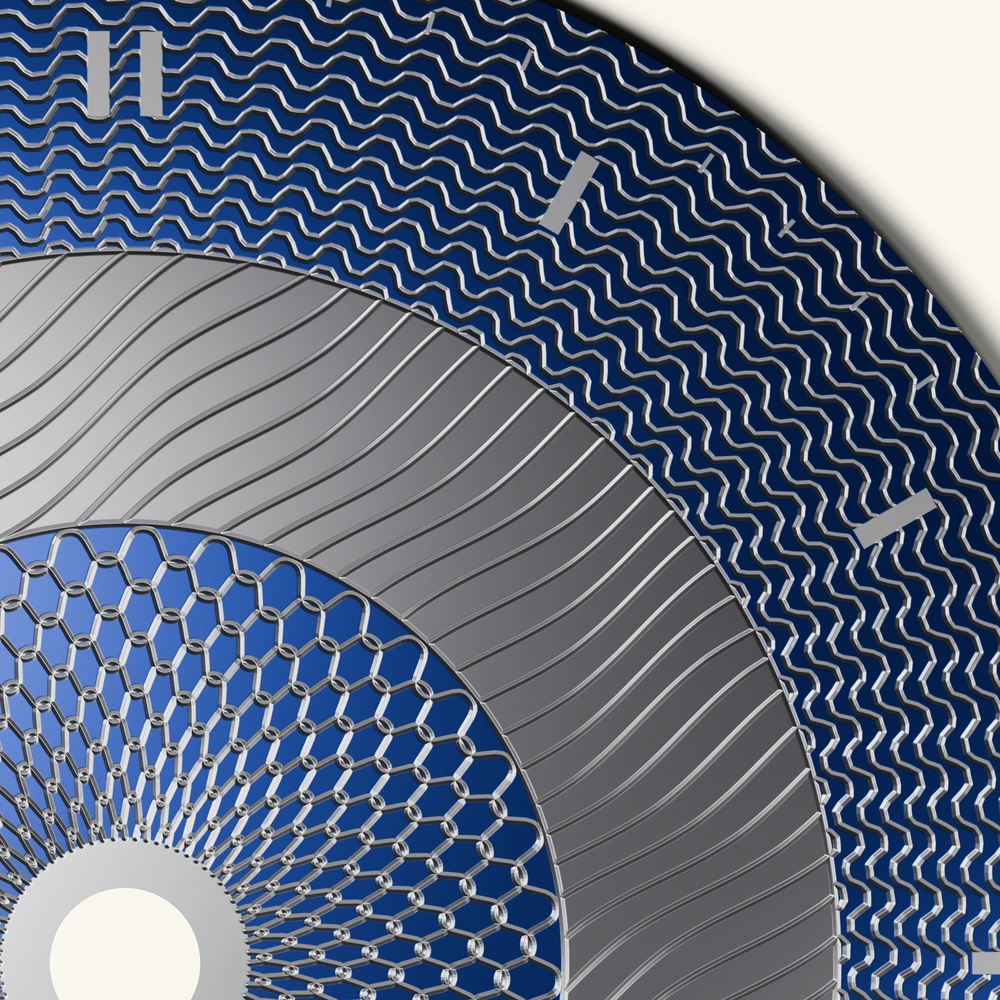
More starting points
These earlier pattern studies explore other directions. Browse the studio’s Design Library to choose your own starting point.
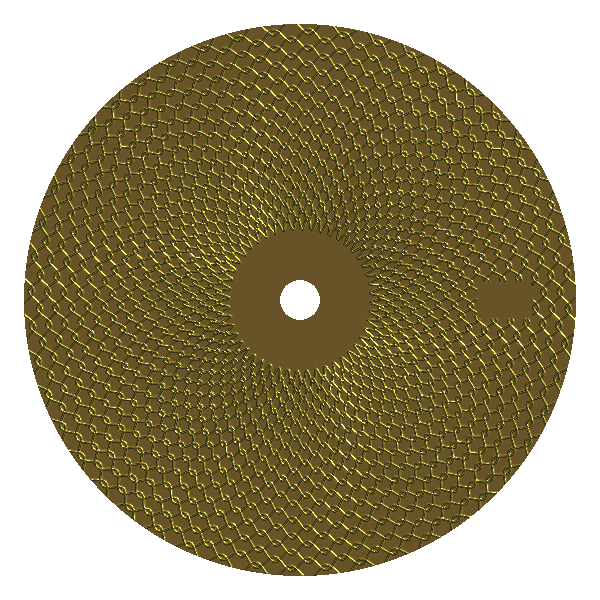
Fine, interlocking shapes.
Explore the pattern →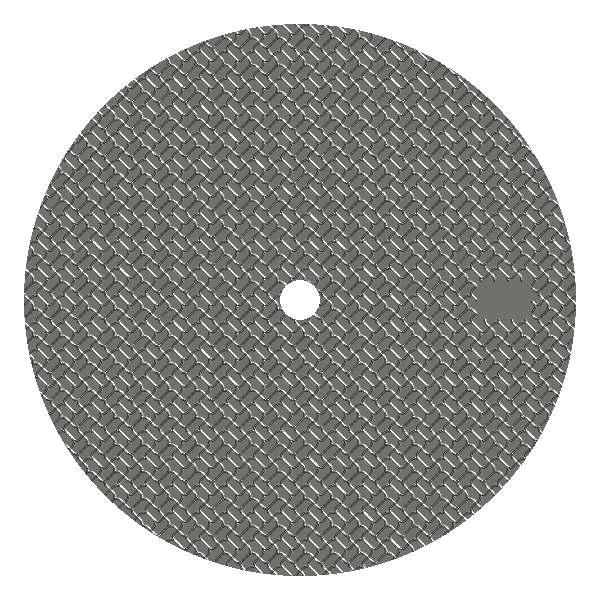
A crisp, repeating lattice.
Explore the pattern →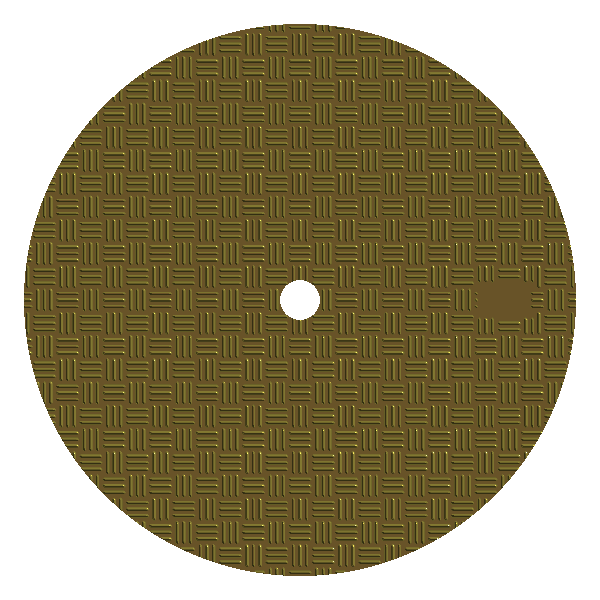
A woven rhythm across the field.
Explore the pattern →Fully free today. No account required. Why it’s free →