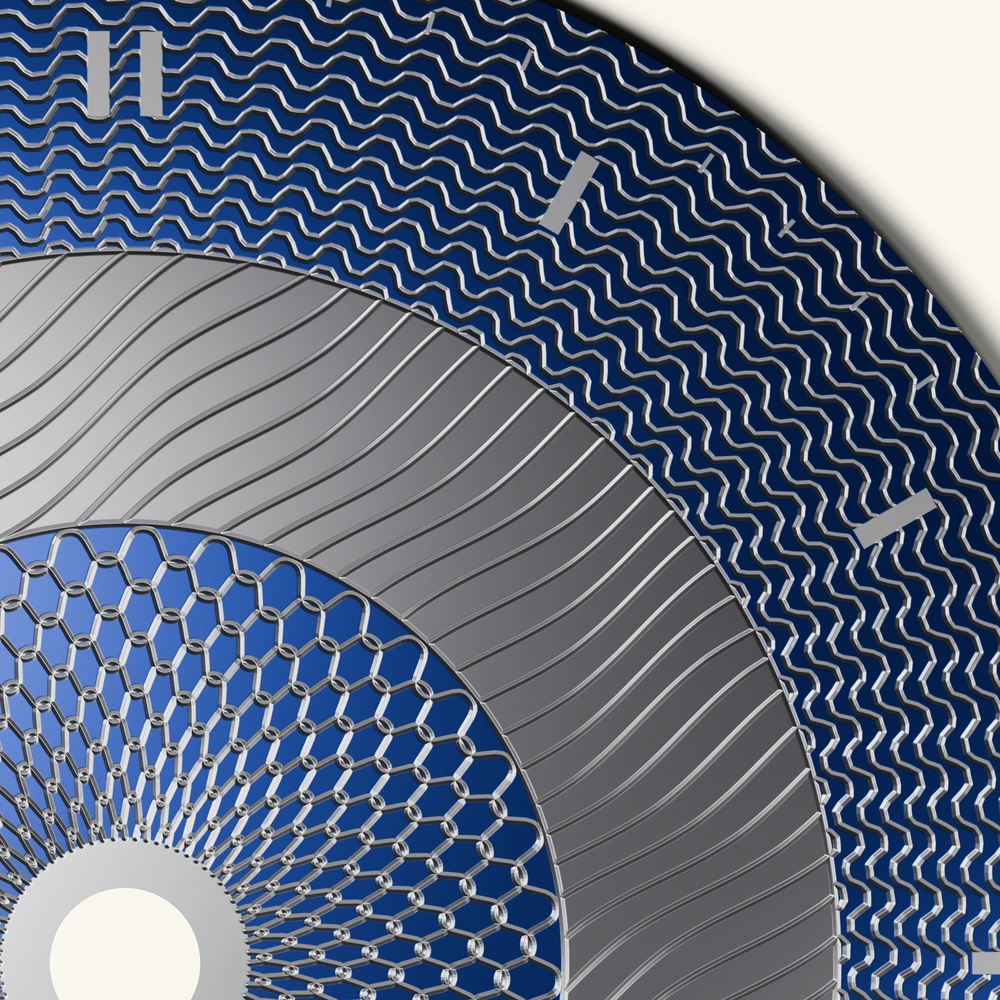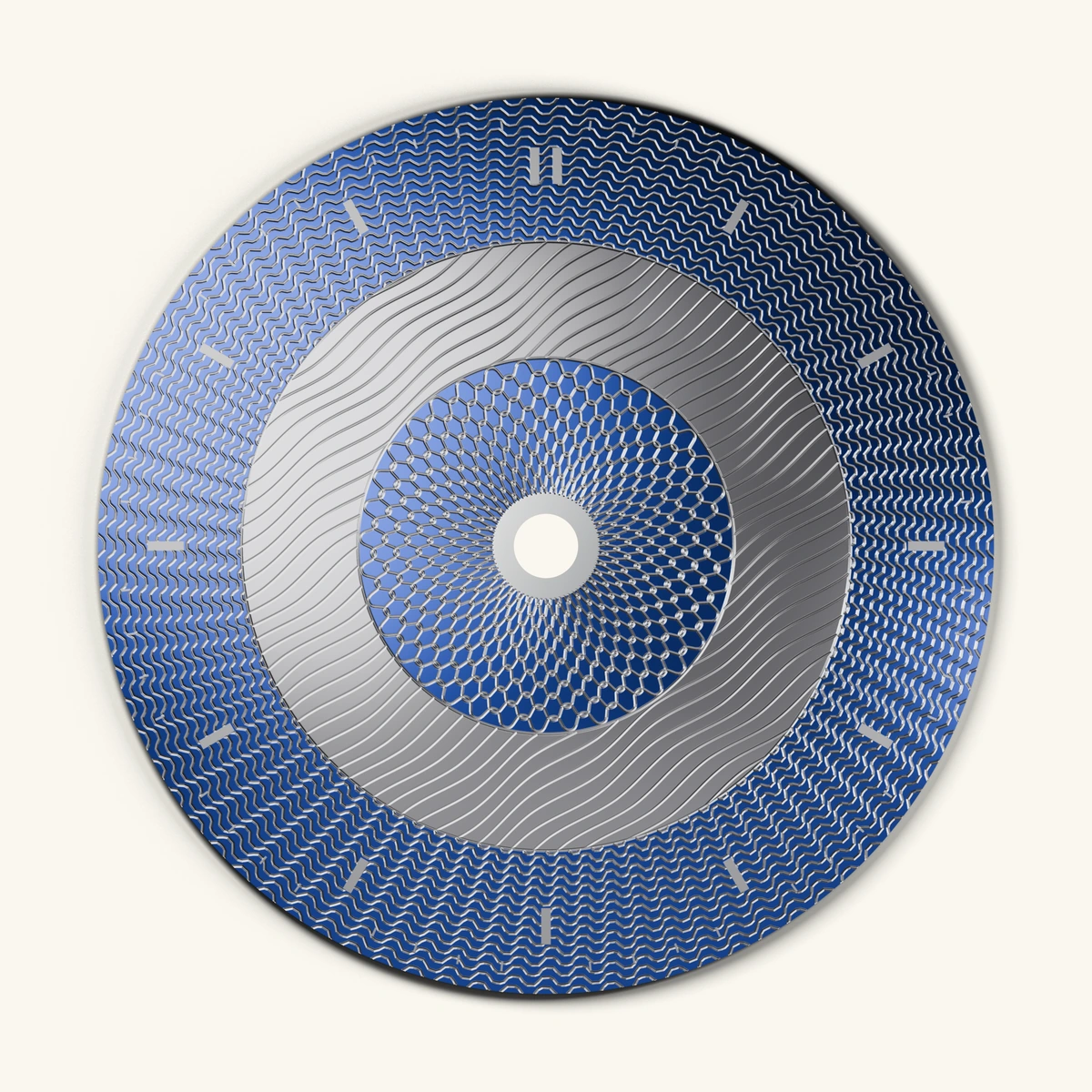
Dial-native workspace
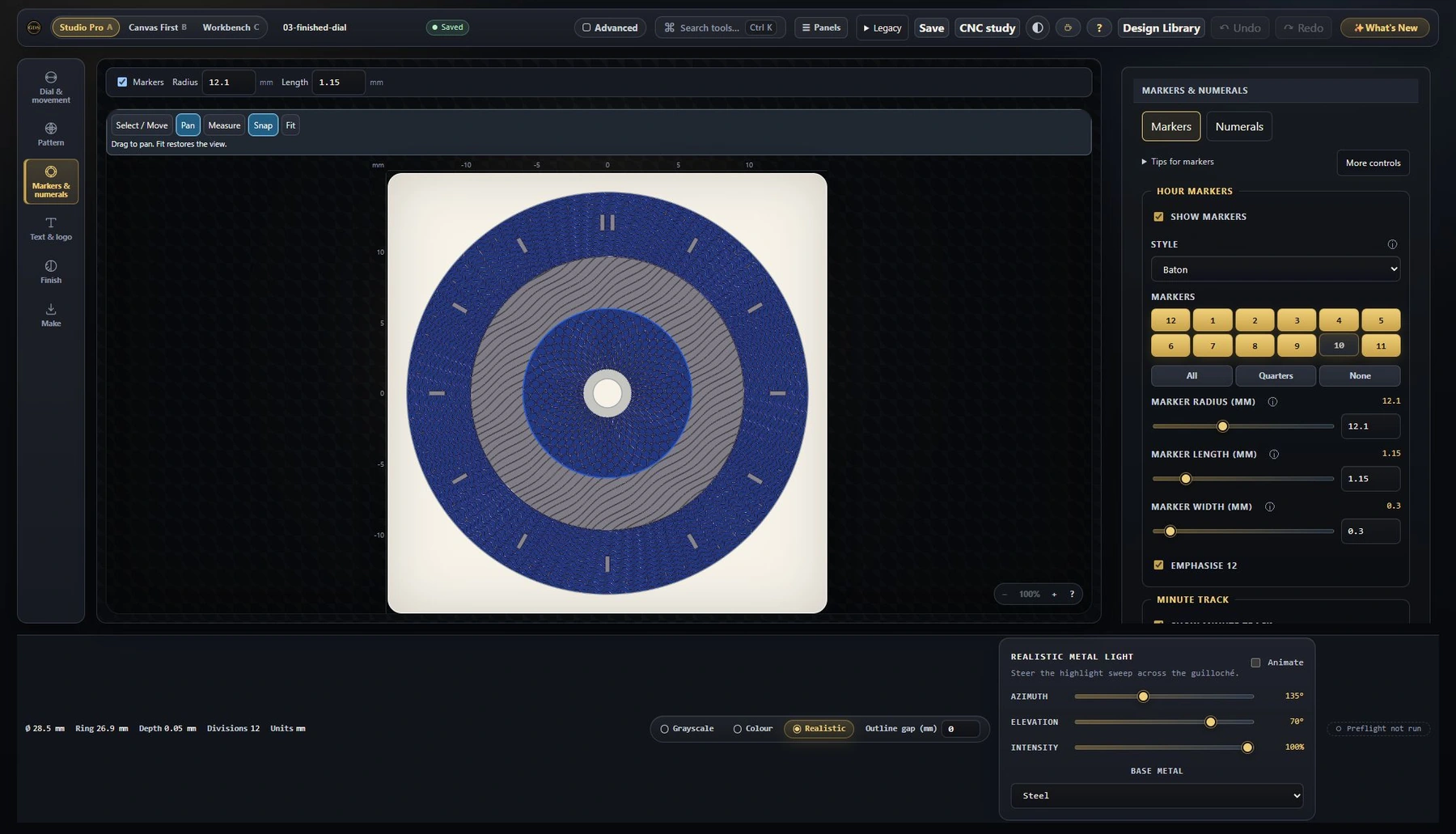
Create patterns, markers, numerals, minute tracks, apertures and text in a workspace that understands watch dials.
Free offline guilloché dial design
Dial Studio handles the geometry, math and fabrication files so you can focus on the art. Design real movement-aware guilloché dials, preview realistic engraved metal, and export authentic guilloché as SVG, DXF, STEP and STL — ready for however you make it: rose engine, CNC, laser or water jet. No account or cloud required.
Works offline. No account. Your designs stay local until you export or share.
How fabrication handoff works
Purpose-built for watch dials
Create patterns, markers, numerals, minute tracks, apertures and text in a workspace that understands watch dials.
Start with movement-aware layouts, center holes, date windows, open-heart apertures and practical dial geometry.
Preview line art, colour, oxide-inspired finishes and realistic engraved relief before you commit to a handoff.
Export authentic guilloché as fabrication-ready SVG, DXF, STEP and STL — ready to take to a rose engine, CNC, laser or water jet, your own tools or a vendor.
How it works
Choose a starter or build from scratch. Tune guilloché engines, chapter rings, batons, numerals, text, sub-dials, apertures and dial diameter.
Switch from clean line art to realistic relief. Test brass, steel, titanium and colour/oxide-inspired looks before the handoff.
Create SVG, DXF, STEP, STL, PNG and sidecar files with the geometry and context your next tool needs.
Hand files to your own machine, CAD/CAM workflow or vendor. Dial Studio gives you the files; you own the make.
Your craft, ready to hand off
The experimentation, engraving, and design remain yours. Dial Studio helps you start down the path with measured dial artwork, previews, and export files for your own tools, shop, maker space, or vendor handoff.
Dial Studio is software; it does not make or sell physical dials. Its exports are fabrication-ready handoffs, so a craftsperson (you or someone else) still measures, tests, and verifies units, kerf, tool paths, material behavior, registration, aperture fit, and movement clearances before cutting metal.
Feature highlights
Build rose-engine, straight-line, rosette, barleycorn, clous de Paris, waves, ripples, sunbursts, basketweave and spirograph-style patterns.
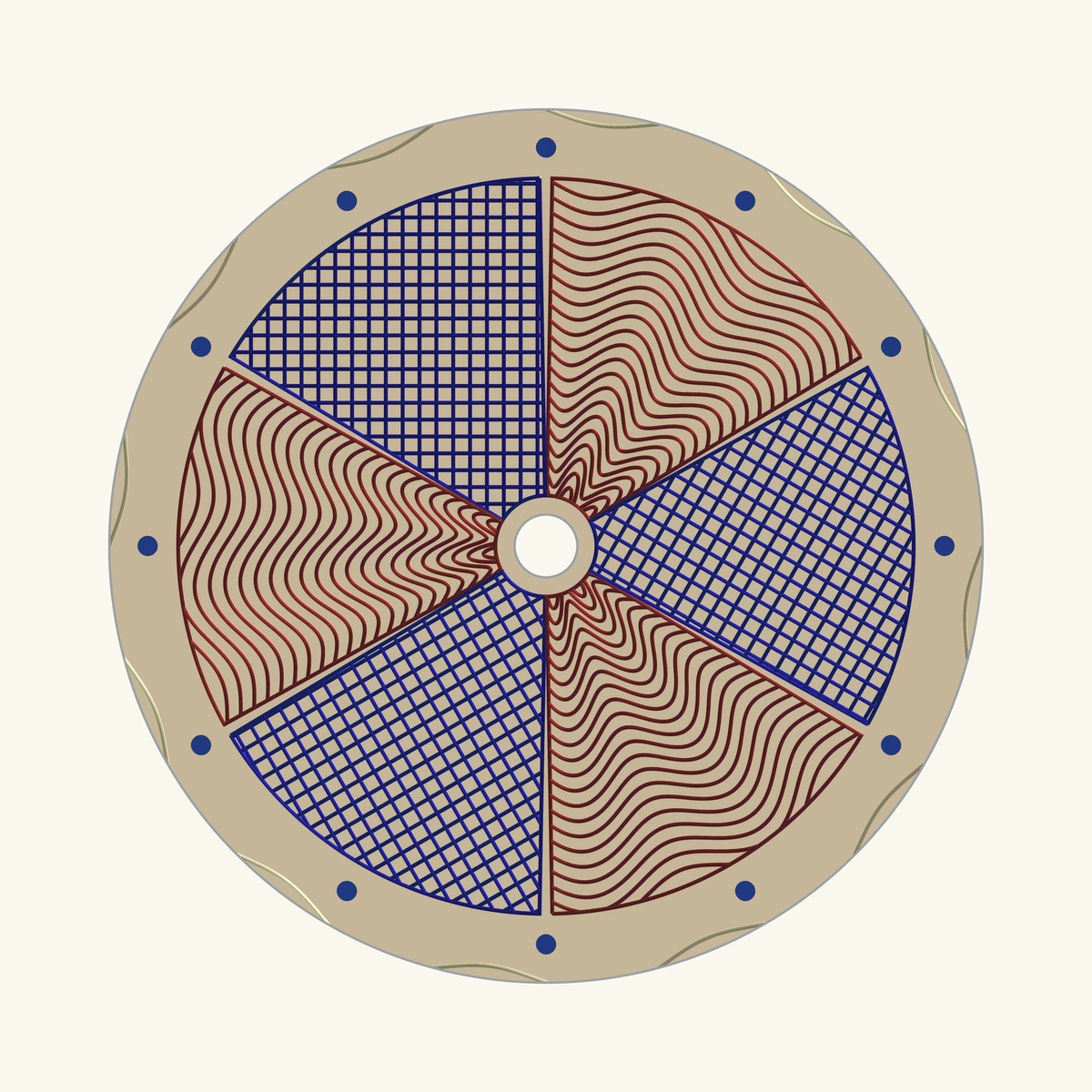
Design around diameters, center holes, date windows, open-heart apertures, sub-dials, chapter rings and marker spacing.
Reserve space for complications, knockouts, labels, logos, numerals, batons and minute tracks.
Preview engraved-metal depth, light, texture and shadow so the design reads as metal before you export.
Explore restrained metal palettes, titanium/oxide-inspired colour planning, brass, steel and gold tones.
Designs stay local. No account, no cloud sync, no login gate in Phase A.
Made with Dial Studio
Classic engine-turned styles, sub-dial layouts and realistic metal previews, rendered in Dial Studio through the same engine you design with. Each starts here and moves outward: preview, export, test, refine.
Grain d’orge engraved edge to edge in warm gold.
Open this starter
A crisp hobnail lattice, the classic Parisian nail pattern.
Open this starter
Woven guilloché with broad cells and clearly separated strands.
Open this starter
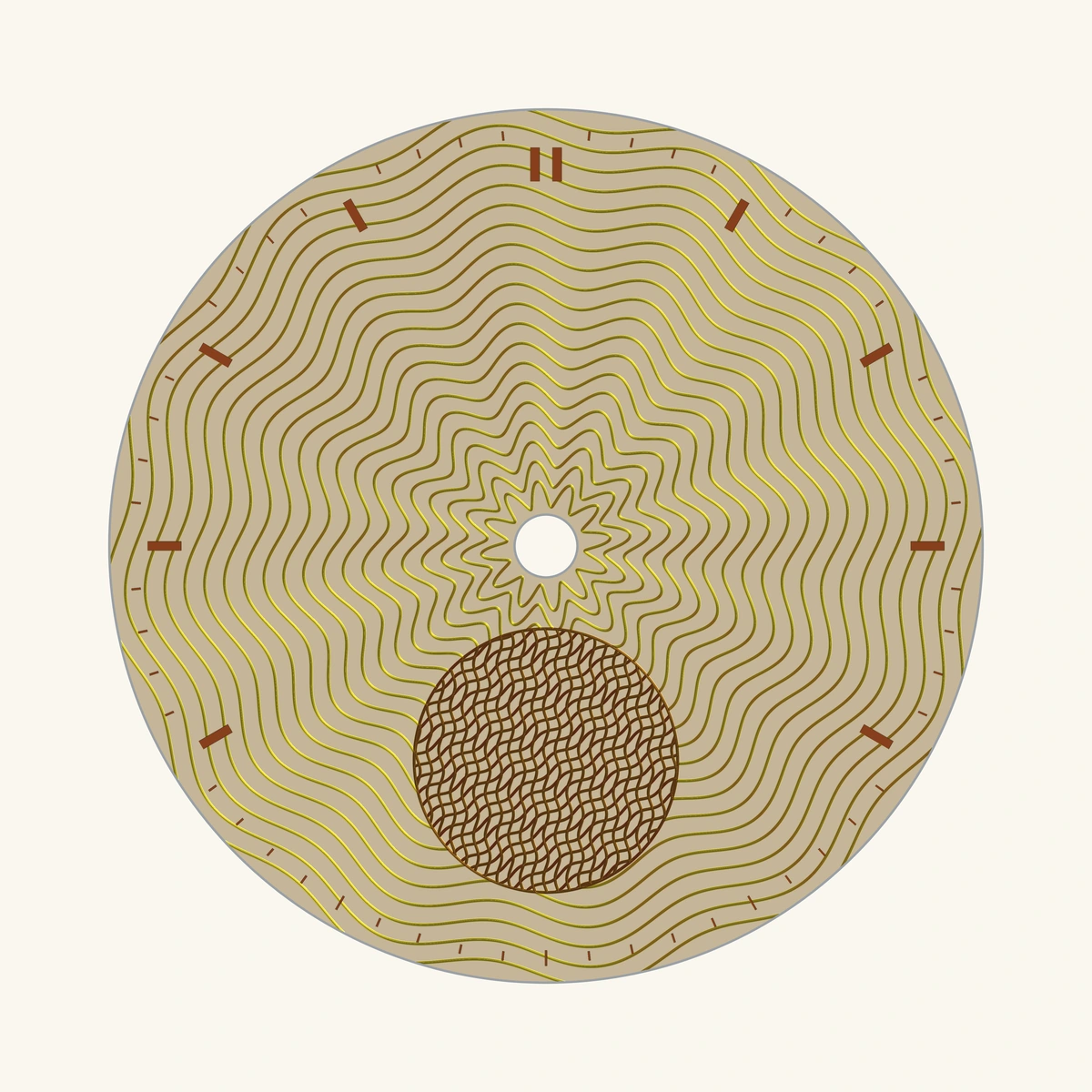
Flowing wave engraving spaced to stay legible across the field.
Open this starter
A tailored broken-stripe field with classic chevron movement.
Open this starter
Tri-compax registers masked cleanly from a Clous de Paris field.
Open this starter
Twin sub-dial recesses set into a dense steel barleycorn field.
Open this starter
Fine concentric guilloché turned in cool titanium.
Open this starter
Concentric ripple waves catching titanium light.
Open this starter
See the metal: faceted Clous de Paris studs shaded with real light and shadow.
Open this starter
Pointes de diamant pyramids previewed as brushed steel before you export.
Open this starter
Fine beaded pearlage rendered as light-catching metal grain.
Open this starterTwo ways into the studio
You are building a dial for a real watch, vendor brief, laser session, CNC path, water jet cut, or rose-engine experiment. Start with movement-aware geometry, tune the guilloché and furniture, preview the relief, then export a fabrication-ready handoff package.
Open the studio Read handoff notesStart from beautiful watch-dial templates, learn the textures, change the pattern or metal, and save a shareable preview — no fabrication knowledge required.
Explore starter dials What is guilloché?FAQ
Guilloché is a fine repeating engraved texture used on high-end watch dials to catch light and create depth.
Yes. Phase A is free to use, with no account, no login and no in-app purchase.
No. Dial Studio is software. We give you the files; you choose the material, machine, vendor, settings, tests and final make.
Yes. The files are prepared for vendor/CAD/CAM workflows, but every maker or vendor should measure, test, verify and adjust before cutting.
PNG previews plus fabrication-oriented SVG, DXF, depth PNG, sidecar files, and STEP/STL geometry where supported.
Yes. The core design workflow is local-first and works offline after the app is available on your device/browser.
It's coming soon. The iPad/iPhone app runs the same studio natively — with share and Files export built in — but it's not quite ready yet. For now, design in any browser with the web app.
No. Dial Studio is an independent design tool. Templates and examples are style studies, not licensed reproductions of any watch brand's designs.